Free PBL conference at Aalborg University – May 4-6 2010

As pre-conference to the 7th Networked Learning conference (#nlc2010), Aalborg University invites to a free 2 day conference on Problem Based Learning (PBL) on May 4-6 2010.

Aalborg University has 35 years’ experiences in educating students through the use of an overall PBL framework, which combined with project organization, is referred to as The Aalborg PBL Model. Furthermore Aalborg University Professor, Anette Kolmos holds the UNESCO Chair in Problem Based Learning. The conference will feature international experts and scientists, a.o. Scott Barge, Harvard University who together with an expert group from Aalborg University, initiated an accreditation process of the Aalborg PBL model. Standards and criteria for proper and relevant use of the method have been outlined.

Objectives of the conference are:

  • Sharing experiences and visions with universities from all over the world with leaders, scientists and practitioners meeting and discussing conditions, practise and development of PBL strategies.
  • Mutual learning in order to formulate standards, criteria and conditions for developing PBL practices that may serve a common platform for collaboration and benchmarking.
  • Reaching an agreement on central principles, codes, standards and visions for the proficient PBL university in the 21th century.

Important dates:
Abstract submission: March 29th
Registration: March 31st
Paper submission: April 15th

The preliminary programme can be found here.

/Mariis

Google docs and EtherPad in SL Viewer 2

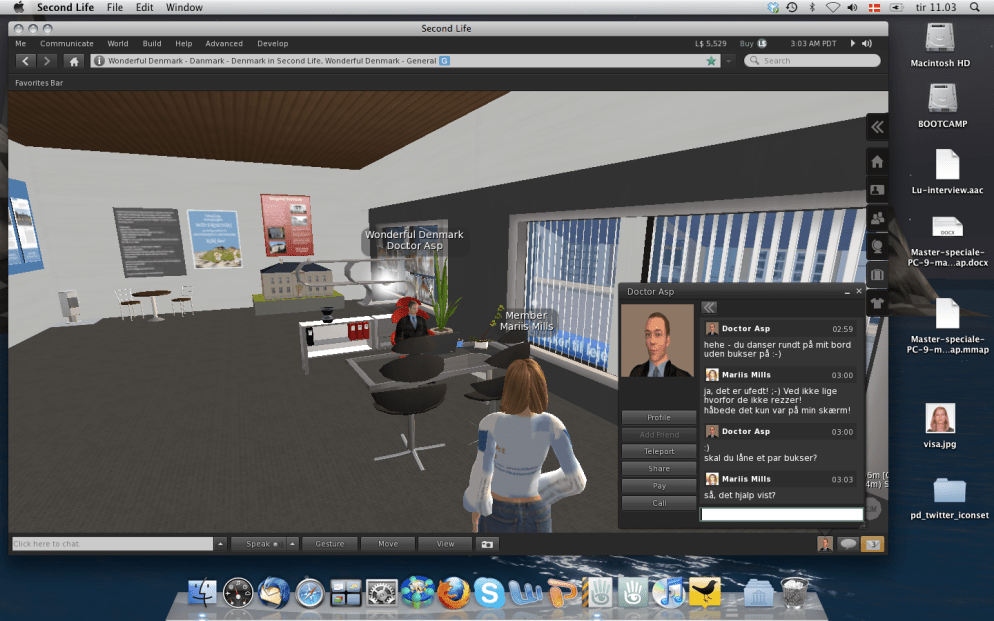
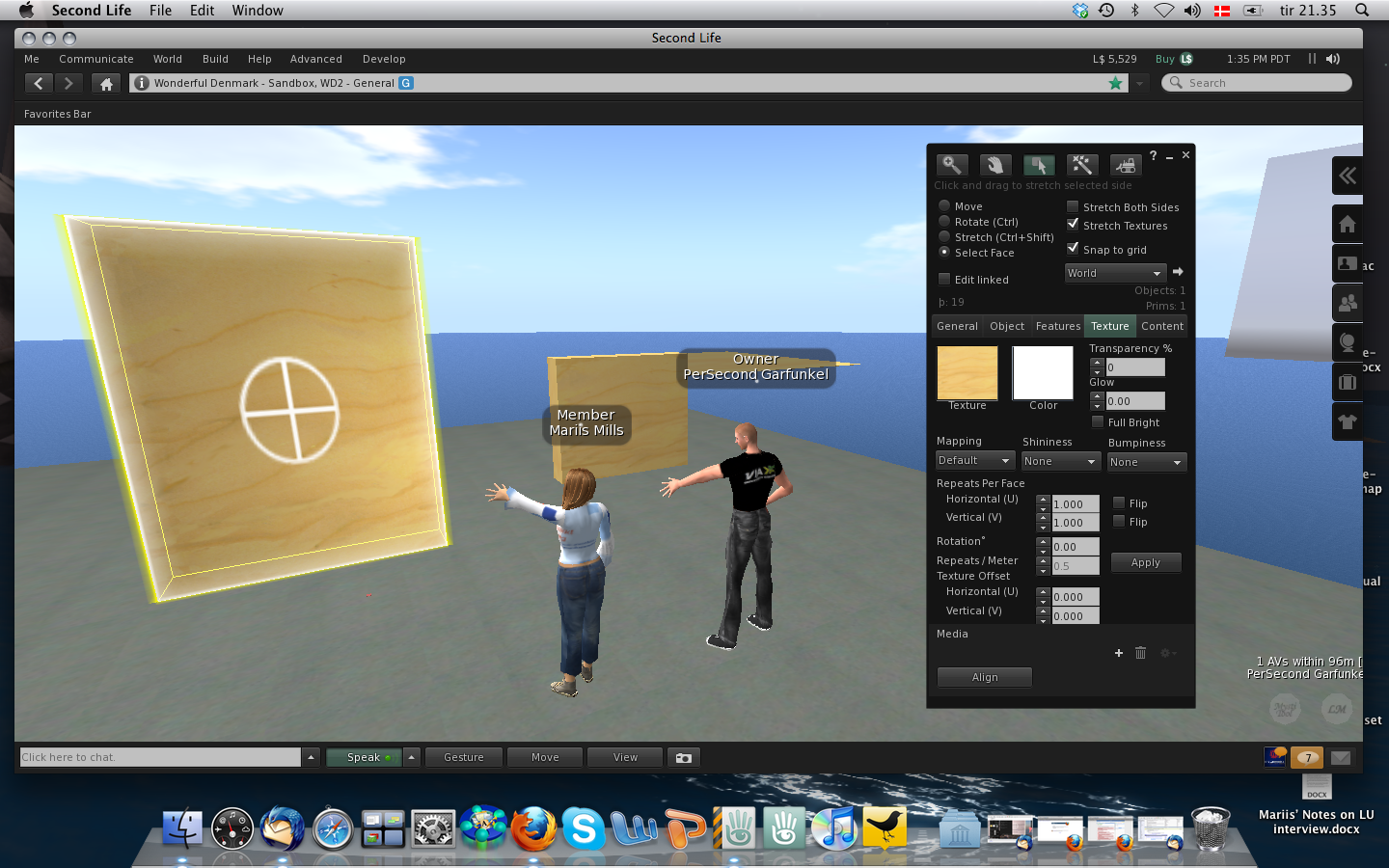
Yesterday my master student, PerSecond and I continued our test of Shared Media in the new SL viewer. When we first tried it out last week, we didn’t have much success, but my ever so helpful landlord, Doctor Asp had some ideas, and so I started off by testing it with him on my holodeck.


In Asp’s office – Asp is official Linden Lab SL solution provider and I highly recommend him :-)


Life in Beta = testing, testing, testing …

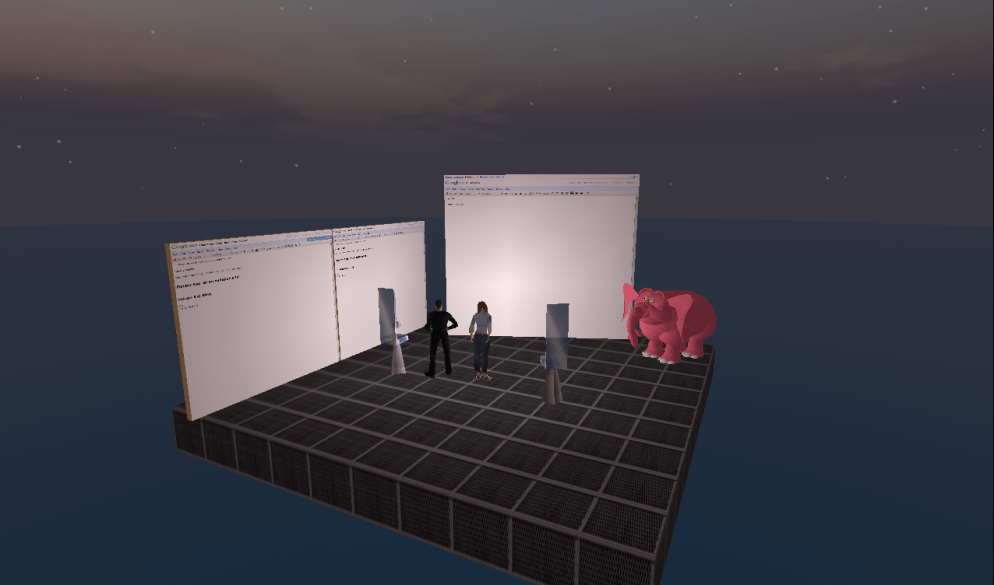
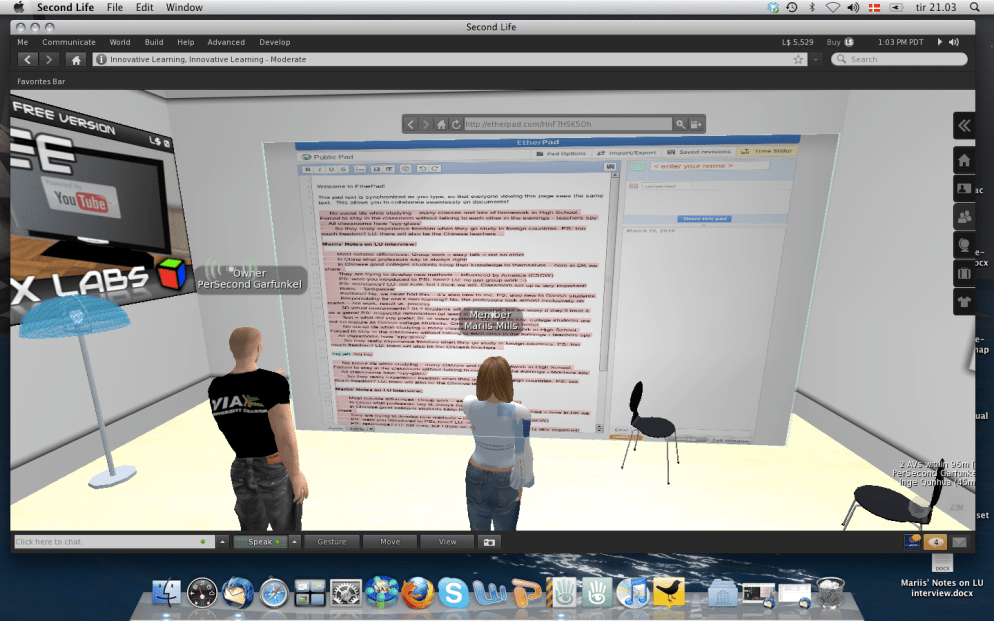
Later in the evening I met with PerSecond for our weekly session and asked him to set up a prim in his private home – not in his LL home, where nosy neighbours might disturb (none of us have yet found the time to check out privacy and security settings in our LL homes).

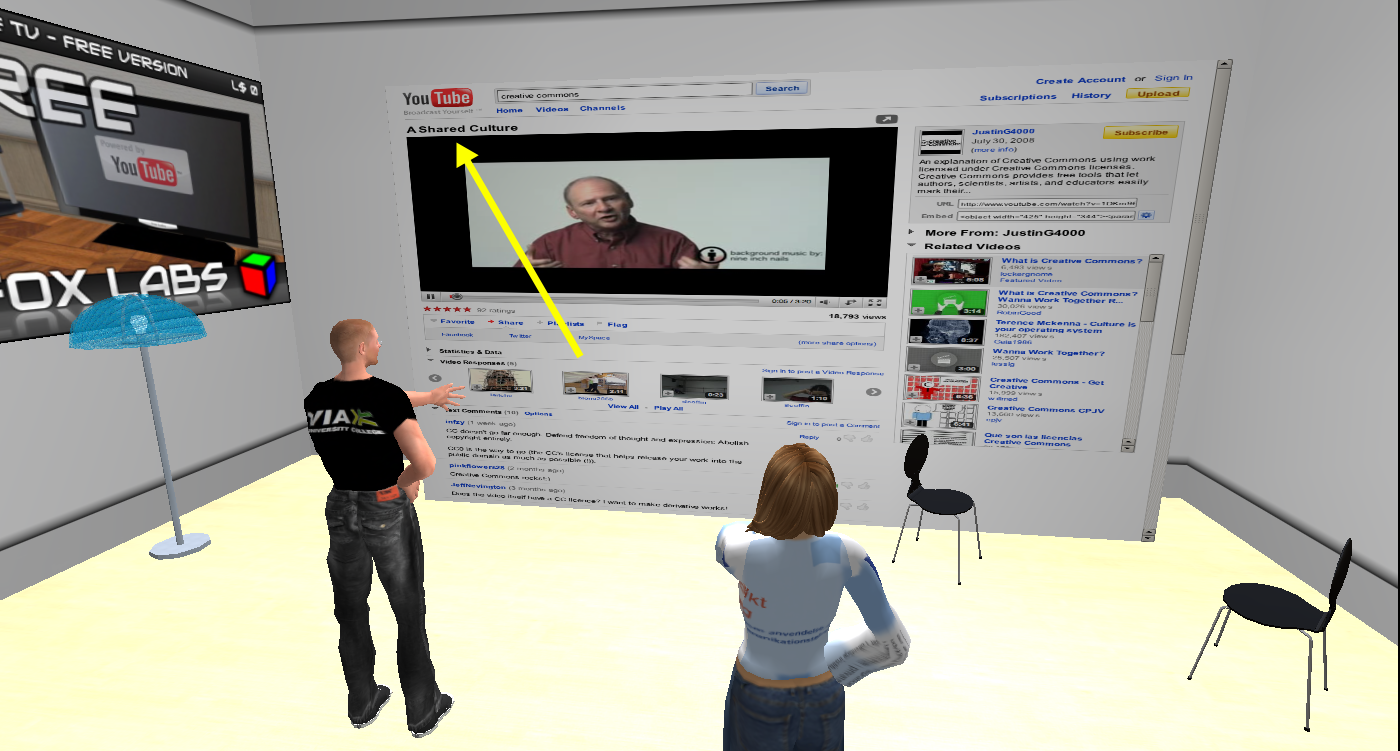
We succeeded in setting up both Google docs and EtherPad, writing in them real time (and seeing it without having to reload!), but ended up most satisfied with the EtherPad doc that loaded much quicker on our machines. PerSecond works in Windows, so we get to test both platforms. We continued testing some YouTube videos while trying to figure out what to do about security settings and discussing the most appropriate use in a teaching and learning situation.

Since the docs we tested were completely public our next step was to test security settings to see if in any way we could control access and interaction, and so we went to a sandbox, where both of us had building rights and set up new prims.

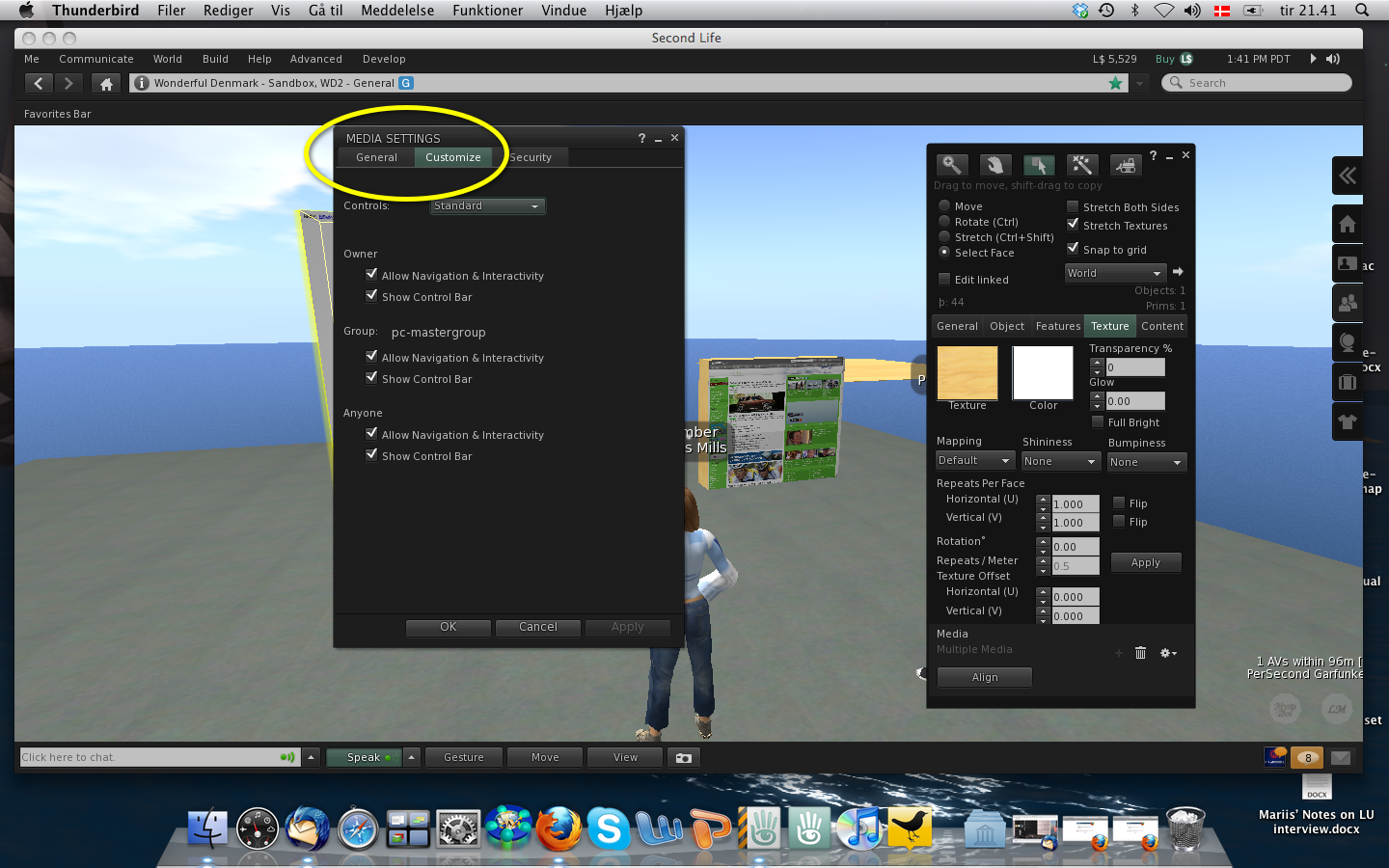
Under Customize in the Media Settings it is possible to change control of the prim, and we tried out several settings thinking it would be possible to limit control to our group.

In this phase of the testing we needed to bring in our alts; Placebo and Memo, who were not members of our group, and so we logged in and out several times trying out different combinations.

Despite our efforts we did not succeed in limiting control to our group. When the prim was controlled by Owner only, we found that Anyone and Group were restricted to clicking on links (but with automatic reload to the page chosen by Owner), but we had hoped it would be possible to set this for the group, so we’ll continue testing … Now, neither PerSecond nor I are experienced builders, so we may very well be missing out on some obvious points, so if anyone reading this has constructive advice it would be greatly appreciated :-)

/Mariis

#vwbpe 2010 – 1st day impressions

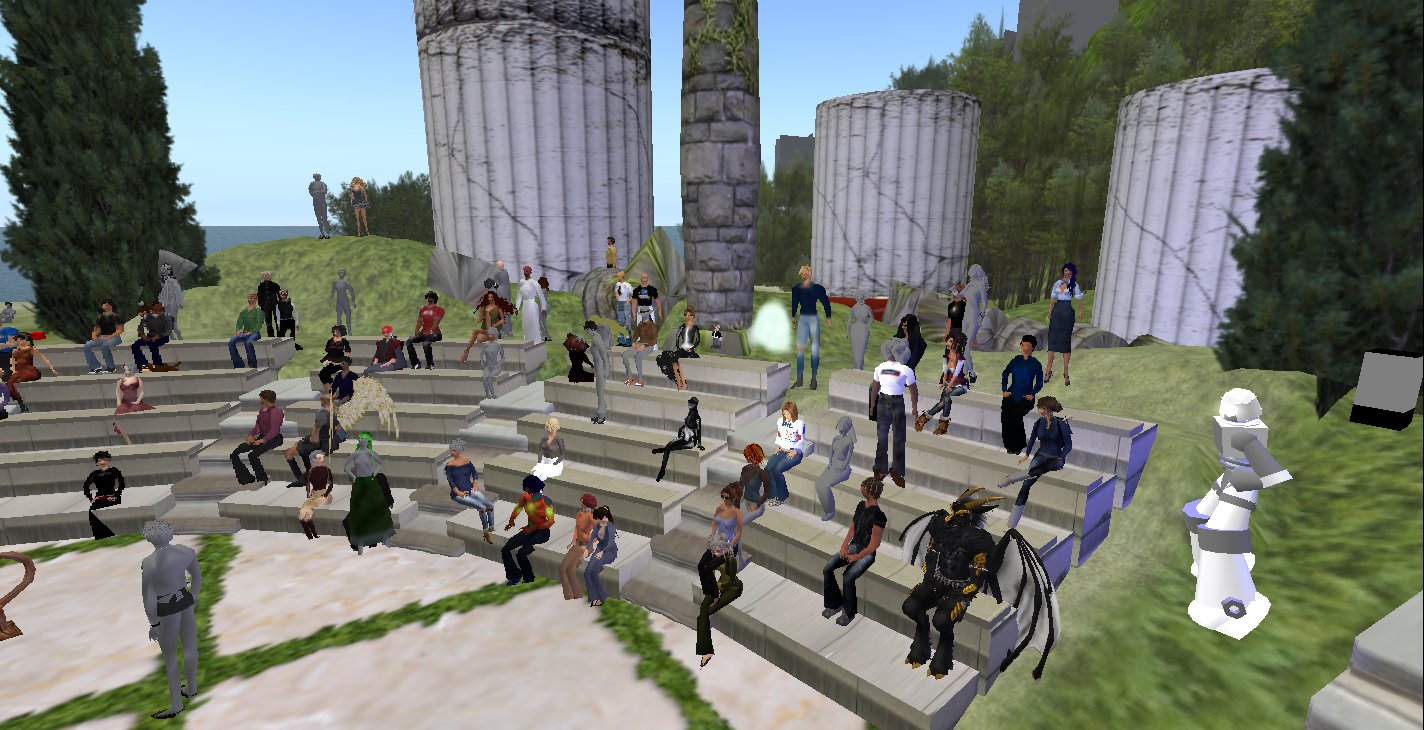
On March 12th and 13th I participated in the 3rd Annual Virtual Worlds Best Practice in Education conference – a 48 hrs. around the clock/world event mainly taking place in Second Life (SL).

The goal of the conference was “to bring together educators, researchers, academics, and business professionals from around the world with a focus on 3D virtual collaborative environments and how they can best be used to support education” and according to the official website there were 170+ presentations/sessions.

Despite some technical difficulties and the fact that I only participated in 13 sessions, I was overwhelmed, learned a lot and met new interesting people. So in this first post, I want to start out be sending a BIG thank you to the organizers; Zana Kohime, Phelan Corrimal & Marty Snowpaw and their truly amazing crew! :-)

The first session I attended was a presentation by Briarmelle Quintessa; “Building the foundation for Second Life learning in New Zealand”.
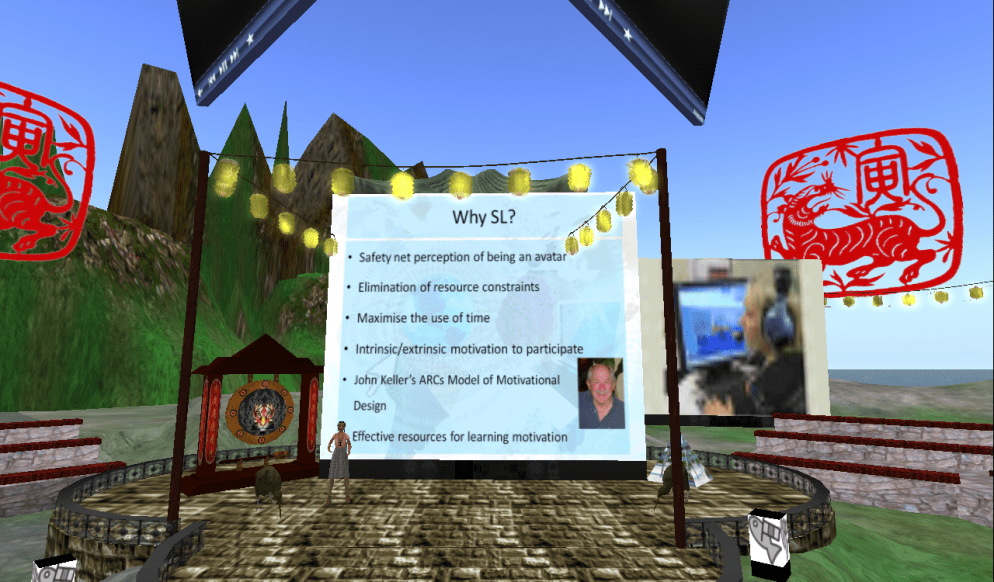
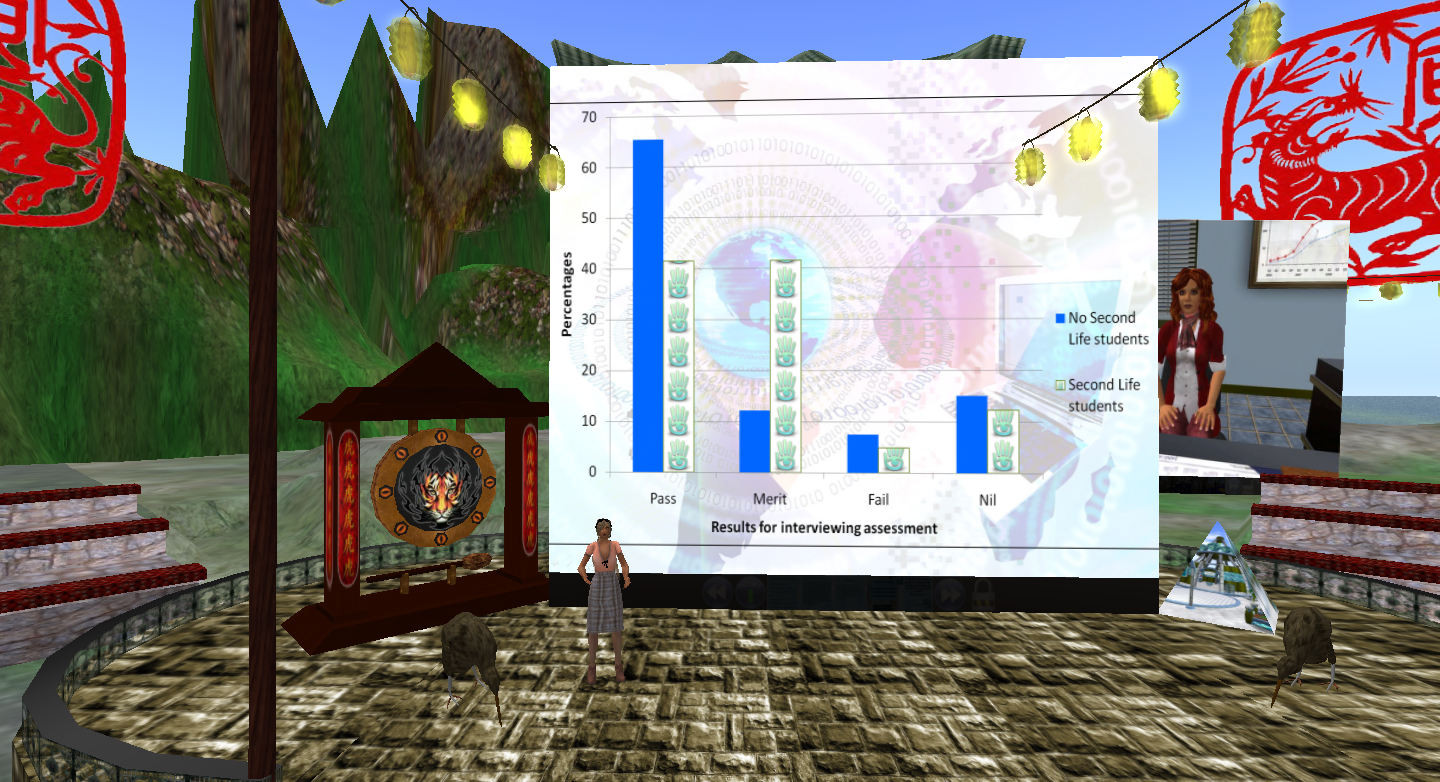
Briarmelle spoke about a pilot project on Foundation Learning conducted as part of the Second Life in New Zealand (SLENZ) project where the main goal was to show “the educational strengths or otherwise” of using a virtual world as means for students to practice interview skills, and according to Briarmelle students who used SL as compared to those who didn’t ended up with better assessments as shown in the slide below.

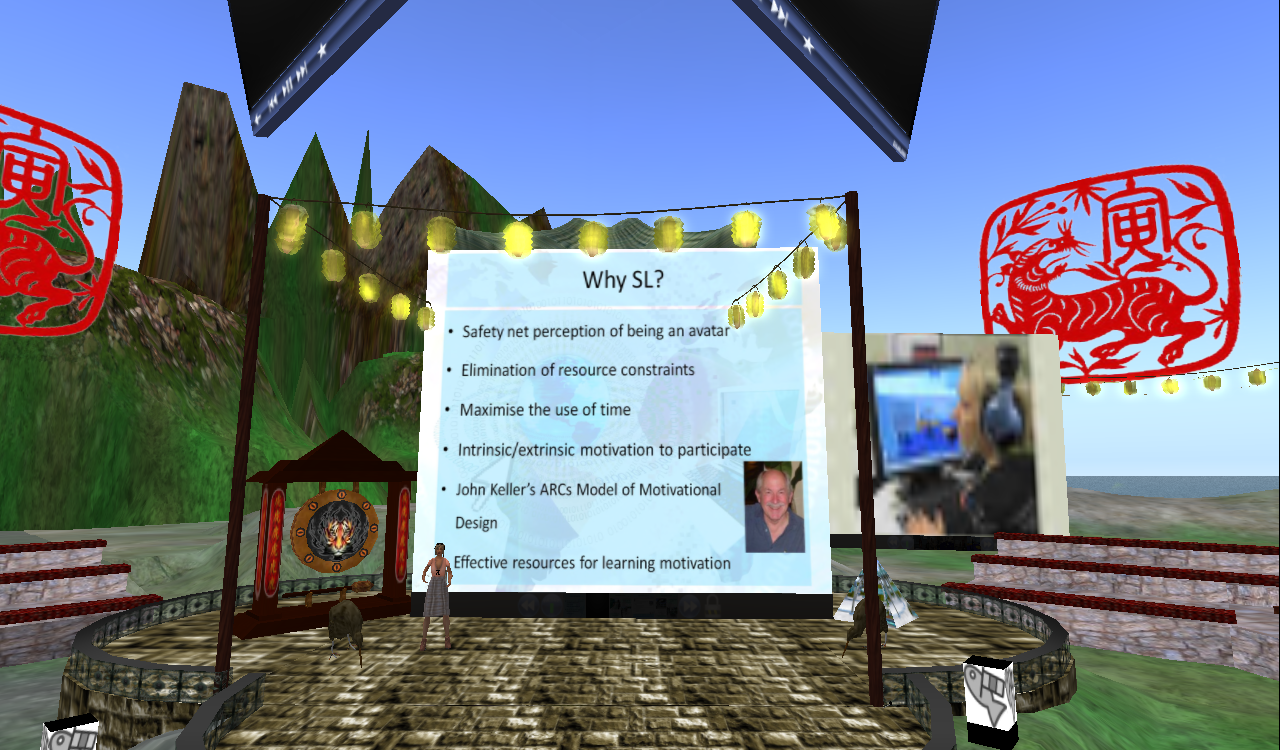
In designing their in-world environment, Briarmelle and her colleagues had been inspired by John Keller’s ARCS Model of Motivational Design, which addresses attention, relevance, confidence and satisfaction. Log-in to Koru Island and explore this and many other designs for teaching and learning.

UPDATE: on March 16th the SLENZ Project’s Lead Developer Isa Goodman announced that a free copy of the Foundation Build is now available on the neighbouring Kowhai Island under a Creative Commons Attribution-Share Alike license, and a new SLENZ blog has been created for discussions on technical issues and further developments.

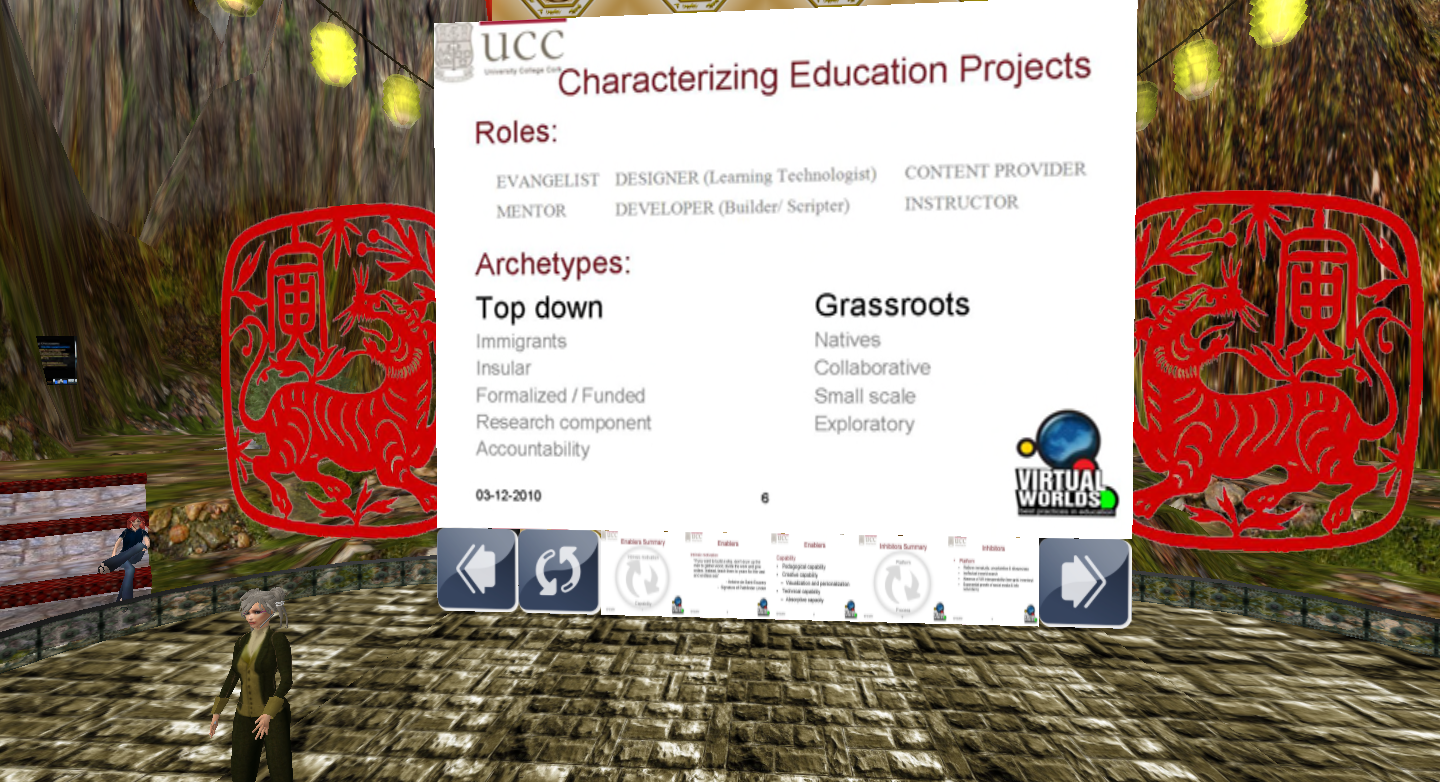
Next up was Logos Sohl who spoke about “Enablers and inhibitors of innovation and creativity in virtual world educational projects”.
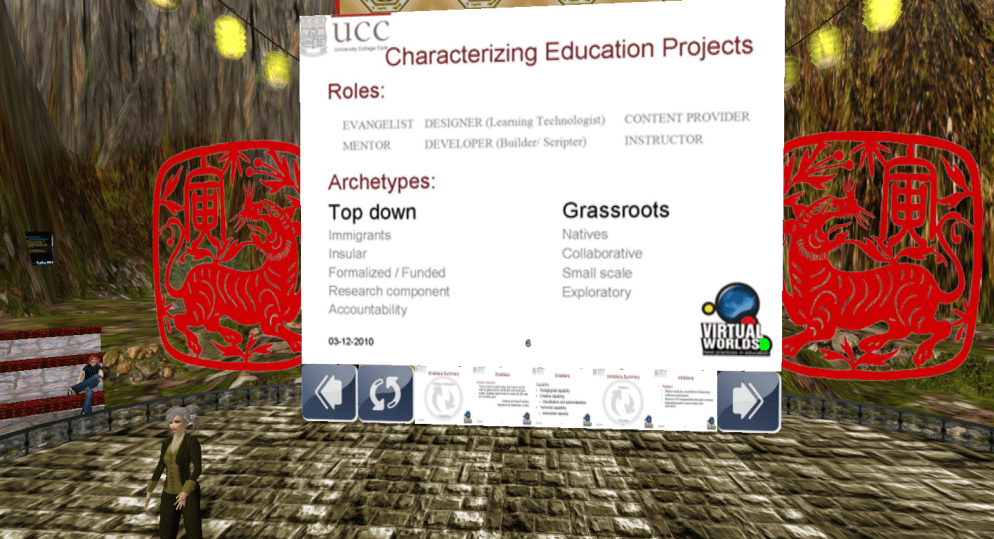
Logos had made some interesting observations on enablers and inhibitors, and I’m hoping she’ll put her presentation in the vwbpe-slideshare. At a certain point, Logos asked us to state our geo positions and this really manifested the international nature of SL:

A one minute tour around the world:
[4:57] Hotaling: New Zealand, here. [4:57] Kayo: Oklahoma [4:57] Wozniak: Orlando, FL [4:57] Mills: Denmark [4:57]  Flatley: Newfoundland, Canada [4:57]  Jenvieve: UK, England [4:57]  Darbyshire shouts: NY [4:57] Congrejo: lol Euro [4:57]  Neximus: Germany [4:57]  Lowtide: UK atm [4:57]  Halostar: Germany [4:57] Baroque: Syracuse, NY [4:57]  Congrejo: Texas [4:57]  Jameson: i am in usa, i live in germany [4:57]  Alchemi: Leicester, UK [4:57]  Blogger: Belgium [4:57]  Camel: UK (devon) [4:57]  Bookmite: Georgia, the state [4:57]  Tigerfish: Indiana [4:57]   Hubbenfluff: Pennsylvania [4:57]  Frequency: i’m from singapore [4:57]  Lexenstar: West Virginia, USA [4:57]  Inventor: Czech rep., Europe :) [4:58] Bramlington: Sweden.

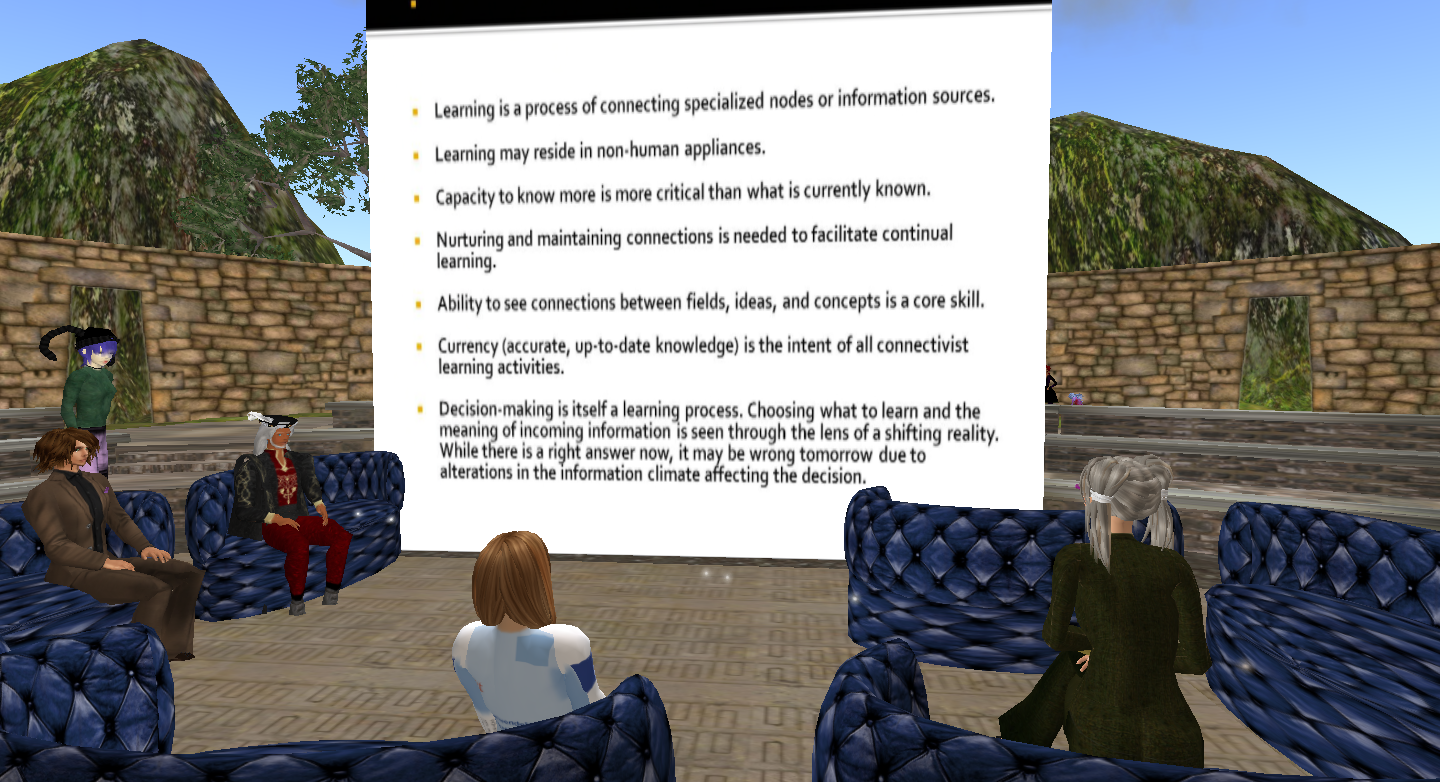
After a break, I returned in-world to my 3rd session, which was on “Networked Connectivism, Distributed cognition and PLNS”.
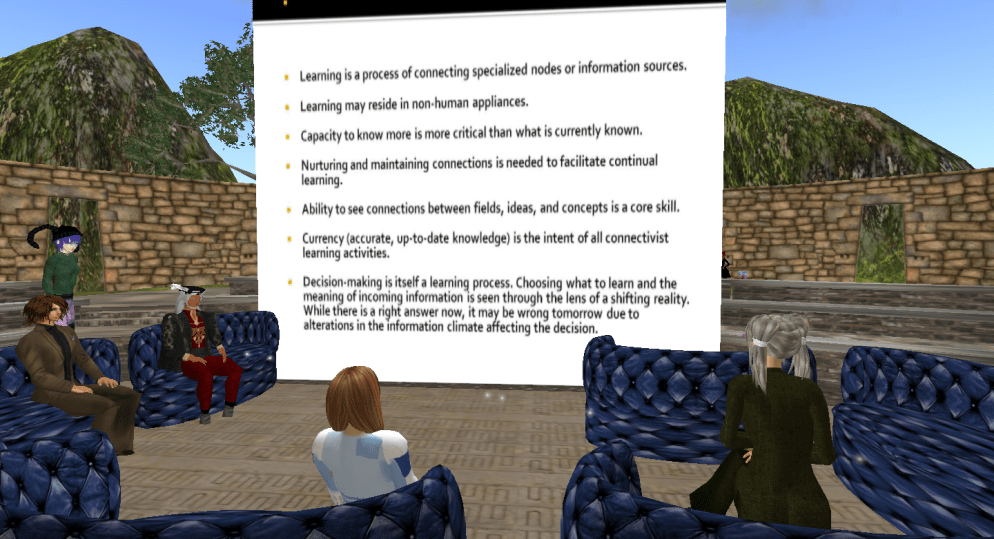
In this session hosted by Michigan Paule, Labatt Pawpaw (one of the founders of Connectivism) gave his thoughts on connectivism, learning and the pedagogical foundations that the technology provides.. Before the session started slides showed nicely on my screen, but during the session my computer started acting up and I ended up logging out due to lag. Labatt later posted an audio of his talk.

As I logged back in it was time for the official opening remarks of M Linden. Sadly my troubles continued and this is how M looked on my screen during the whole talk … um, not really becoming for a CEO ;-)

For those interested it is possible to hear (and see!) M’s talk here on BusinessTreetTV, where other sessions also will be archived.

I finished this first conference day by participating in Claudia Linden’s session on “Educational trends in Second Life”.
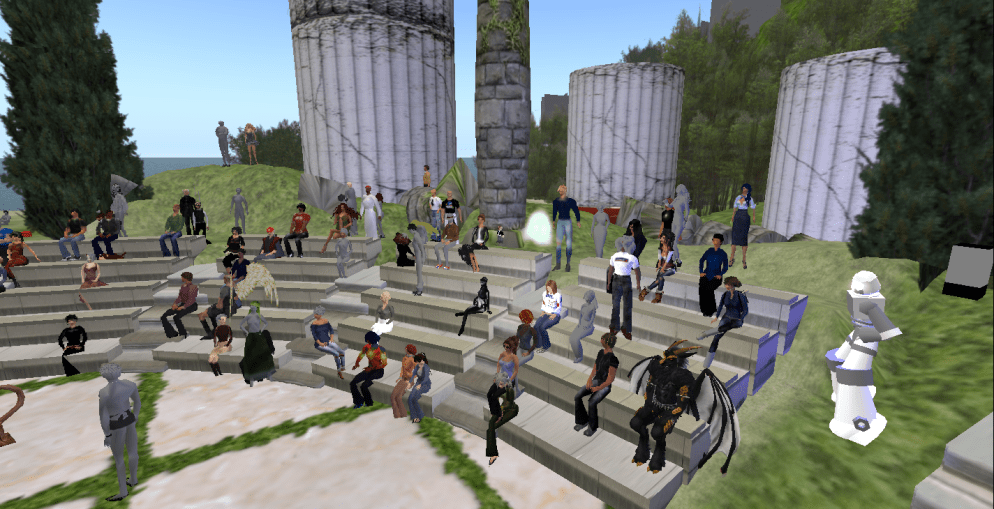
Again, I found the outlook to be somewhat grey, but it was nonetheless an interesting session, where Claudia asked us to share “aha-moments in SL”. There were many great, fun, thoughtful examples such as;

  • [13:13] Underwood: When my superintendent starting flying during our orientation,
  • [13:15]  Clawtooth: My “Ah ha” moment in SL was visiting Sistine Chapel and realizing when I saw the Sistine Chapel on TV that I had the same feeling as if I had actually been there in real life from my SL “visit.”,
  • [13:16] Bookmite: My student emailed “I hate second life.” Two months later she spent her summer exploring and learning how to build,

and not least [13:20] Tuque, who so eloquently summed up my first day impressions and the main reason why I enjoy SL so much: I guess that is MY Aha moment – when I realized I could meet, learn from, and work with colleagues from ALL over the world.

/Mariis
First impressions from a Twitter newbie

After more than a month of computer problems, incl. malfunctioning OS, lack of permissions, ruined logic board, slow support and lots of frustration I’ve been reinstalling programmes, applications and services, incl. Twitter. I’ve actually had a Twitter profile for quite some time, but I’ve been reluctant to use it – not sure why, when and how? But yesterday, as I logged in to check my account, I noticed a lot of buzz concerning a live-streamed event – TEDxNYED – and since the list of speakers seemed interesting, I decided to hang around. As it turned out to be a very interesting learning experience, I thought I’d use this post to reflect a bit on my newbie impressions …

Why use Twitter?
Well, the jury is still out on that question. My main concern is whether I really need more information? It may seem a bit strange, but I’m already experiencing some information overload from existing mail lists, the blogsphere and my other networks. At this point in time in my PhD-project I really should be aiming at convergence, but on the other hand the constant drawback of living in a connected, digital world is the fear of missing out on important information. As always information management is key and I’ll return to that. Even though I’m a newbie, I have of course been listening in on colleagues’ discussions and research, comments in the media and especially in the blogsphere etc., but I have to admit that it wasn’t until yesterday’s experience that the use of Twitter became valuable to me, which leads to the next question.

When to use Twitter?
In yesterday’s event it was possible to use Twitter and Facebook as backchannels during the live-steamed presentations. Despite newbie problems trying to figure out exactly “how to” and also some language constraints (Twitter and general Anglo-American idioms and lingo), I did find the Twitter chat valuable. I’m familiar with the backchannel phenomenon from SL, where especially the Metanomics show makes really good use of the backchat (via the so-called chatbridge) to democratize and expand the discussions, and in my PhD I’m focusing on promoting this particular way of communicating in my in-world teaching sessions. Now, I’m not sure if yesterday’s speakers actually followed the Twitter chat real time (they seemed to focus on the local f2f audience), but after the presentations several of the speakers continued discussing and elaborating, and as I understood from experienced Tweeters this is common practice. George Siemens (one of yesterdays speakers) wrote an interesting piece on “frustrating (= non-participative, non-sustainable) conferences” and together with Tittenberger and Anderson, he wrote an article on how to improve live participation and sustainability of conferences – and yesterday was the first time I had a really good experience with this (outside SL) thanks to Twitter. There can of course also be disadvantages to this backchannel phenomenon as expressed and experienced by Danah Boyd in this much debated post, but I did see an interesting potential and I’m sure I’ll be logging in to Twitter for future events.

However, I’m not so sure that I’ll start using Twitter on a daily basis – at least not for now. I definitely need to learn more about the many possibilities, so for a while I’ll settle for being a lurking participant in the periphery until I get a better feel for the many accompanying tools one can choose to use in relation to Twitter, and that leads to the final question.

How to use Twitter?

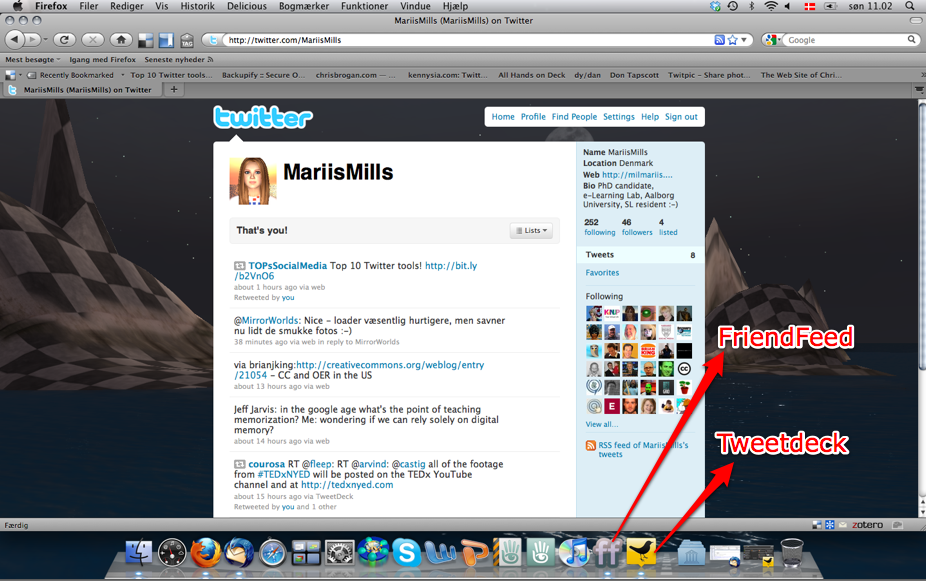
Evidently writing a max. of 140 characters is not complicated – it’s the management/storage of information that can be a little tricky, not least because there are so many different accompanying tools to choose from. When I started out yesterday, I already had FriendFeed installed and I like that probably because I’m used to pop-ups from my Thunderbird mail.

During the event I started following more people, and when my SL/FB friend BevanWhitfield noticed me, she quickly recommended Tweetdeck, but also mentioned that I should be careful in joining too many groups. And so I installed Tweetdeck, but it’s a much more complex tool than FriendFeed. I had a look at SIGs related to e-learning and there were soo many! And which one do you choose then? Another friend of mine made a “mention” in Tweetdeck and I wasn’t sure how to reply. A nice feature was the ability to synchronize with other accounts such as FB, but here I’m wondering if that’s really what I want to do. There’s bound to be a lot of redundancy, and I need to figure out how to handle that.

In sorting the information hashtags (#) seem to be part of the solution, but this is also something I need to learn more about. My SL/FB friend, ldinstl_chimera, pointed my attention to Backupify, which may turn out to be a great service for storage and management, whereas Arielion Clawtooth, mentioned Twapperkeeper, so there are plenty of new things to figure out. Incidentally, today TOPsSocialMedia tweeted a list of top 10 Twitter tools.

So to summarize my first impressions; it was fun, engaging and somewhat confusing and overwhelming – just as one would expect a newbie experience to be :-)

/Mariis