Gardner’s Multiple Intelligences designed in SL

Yesterday, I discovered the Koru island, where Zotarah Shepherd has created an area dedicated to showing Howard Gardner’s Multiple Intelligences.


Examples – Spatial, Mathematical and Musical Intelligences

It’s the first time I’ve seen learning theoretical concepts so explicitly build in SL, and I think this could lead to some interesting discussions on both Gardner’s theory and educational design – so I’m quite excited about this!


Intra-personal Intelligence; Hmmm .. who am I? No really !?

I sent an IM to Zotarah asking if she would be interested in giving a tour to the NoEL group, and she answered almost immediately that she would be pleased. So now we just have to find the right time (a bit tricky, since Zotarah is located in SF) to meet ..

More on this will follow asap :-)

/Mariis

Presenting “Learning Theory” in Wisdomap

On Monday September 1st my dear colleague Jørgen Lerche Nielsen (RUC) and I will officially start our 4 week course on “Learning Theory” at the Masterprogramme in Ict and Learning (MIL).

At an upcoming f2f seminar in mid Septeber we have roughly 1 hour to introduce the field of learning theories! Fortunately we have the following weeks to elaborate and clarify questions in the students online discussions, and learning theory will be a recurring topic for the students to adress throughout the education.

At the seminar we usually present via ppt, but this year we’re trying to do things a bit different by using Wisdomap. I have started to fill out the wisdomap for the course;

What I really appreciate about wisdomap is that we can collect all course ressources in one place:

  • mind-map
  • text
  • videos
  • images
  • files
  • links

As far as I can tell the four guys behind Wisdomap released the tool in July – and they are still working on improving it. Even though I’m quite enthusiastic about wisdomap as it is, some of the features I – especially as an educator – would like to see in the future include:

  1. the possibility to insert a ppt in the text-box (should open in the box)
  2. the possibility to edit text and insert links (also in the nodes)
  3. the possibility to upload other videos than YouTube
  4. the possibility to use Danish characters like æ, ø and å
  5. the possibility to choose/change the colour of the nodes

It’ll be quite interesting to hear what our students think of this way of presenting and collecting ressources ..

/Mariis

Development of in-world NoEL meeting log

Soon the in-world group NoEL will start visiting interesting locations in SL again in order to both explore and evaluate potential educational design.

As a phd-student I have to document all my activities, so I’ve been working on developing a log that I can use when we have these meetings – also I hope that others will find the documentation inspirational, since I plan to publish it here on the blog.

Today I presented my draft for the log at an action learning meeting with my supervisor, Lone Dirckinck-Holmfeld and my fellow phd-students Heilyn Camacho and Mayela Coto.

The challenge of documenting the meetings is to do this while participating in the actual meeting. I’m hoping that I’ll be able to document some of the meetings via Camtasia, but I anticipate that Camtasia will not always be an option, and also I want the textual documentation just in case ..

Lone, Heilyn and Mayela were positive but also concerned that I want too much information – that I’m moving away from the focus in my phd-project. Below are the chunks of information I would like to document for each meeting;

  • Date, duration
  • Presenter(s), typically Island/location owners, incl. SL and RL contact data
  • Location, incl. landmark
  • Short description of presenter(s) and location
  • Potential subject matter and target group

Questions for the presenter(s):

  1. When did you start in SL?
  2. What is your interest in SL – personal/professional?
  3. What do you use SL objects/location for – and how do you do it in practice?
  4. What is your pedagogical (learning theoretical) foundations?
  5. What is your experience with the usage? (preferably also something about duration and individual vs. group usage)
  6. If students – what is their experiences? (how many, why, when and for how long)
  7. What is in our own opinion the educational potential of your objects/location?
  8. What is special about SL compared to other platforms?
  9. What challenges should one be aware of in using your objects/location – SL in general?
  10. Is your location open for public use? (details for usage)

Not all locations we will visit have been build explicitly for educational use, so some of the above questions will be for me to figure out afterwards ..

Based on the meetings we had before the summer holiday, I’m sure that most of the questions will be answered quite naturally during the meetings.

I would very much appriciate feedback on both interesting places to visit and comments on the information chuncks – what else do you as an educator want to know??

I’ll continue working on questions more directly related to avatar and context mediation, but since these NoEL meetings will serve as a way of exploring the field and not necessarily end up in my final dissertation, I’m keeping the questions for now …

/Mariis

I’m now an official HUDslinger :-)

Looking at my 3 previous posts you may wonder what’s going on! On Fleep Tuque’s blog I found a great tip about the use of a bloghud in-world.


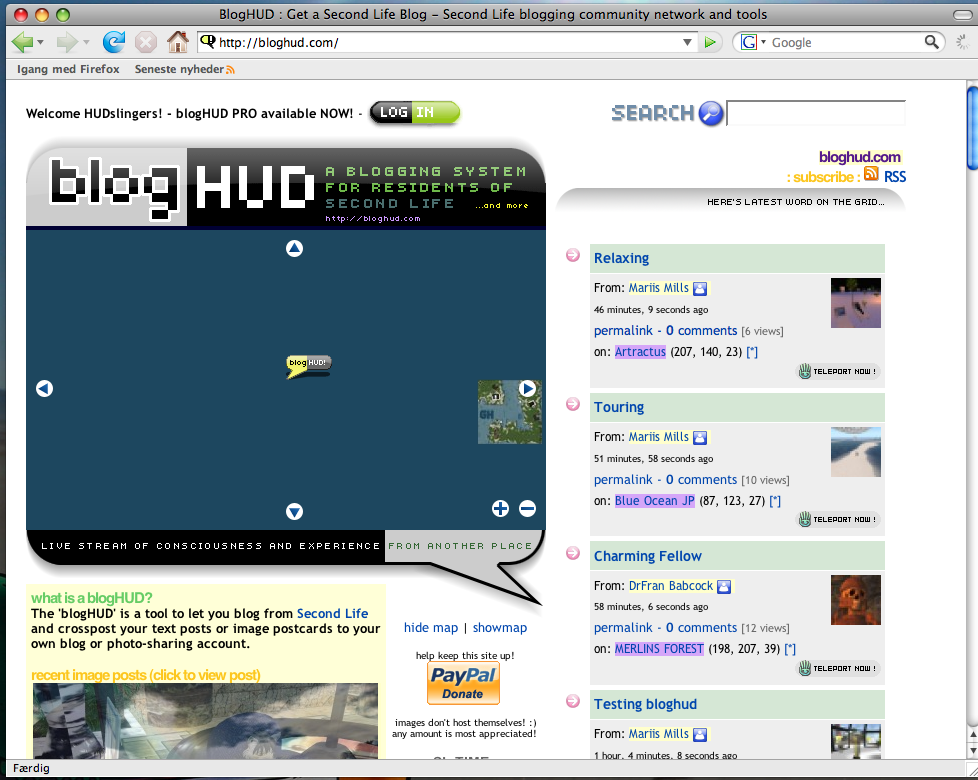
Bloghud.com

Wearing a bloghud enables you to send text messages or postcards, incl. text and Slurls from inside SL out to your blog(s) of choice.

As Fleep points out:

Many faculty are asking students to report on their experiences in Second Life, either by writing essays or blog posts, and it can be very tricky and time consuming to take a snapshot, save it to disk, re-size it and convert it to JPG, upload it to Flickr, and then create a blog post about whatever it was that you saw or experienced. If you also want to include a SLurl or link to the location, that’s another step that requires you to flip back into SL to copy and paste the SLurl, etc.

The BlogHUD does all of these steps for the user once it is setup and configured properly.


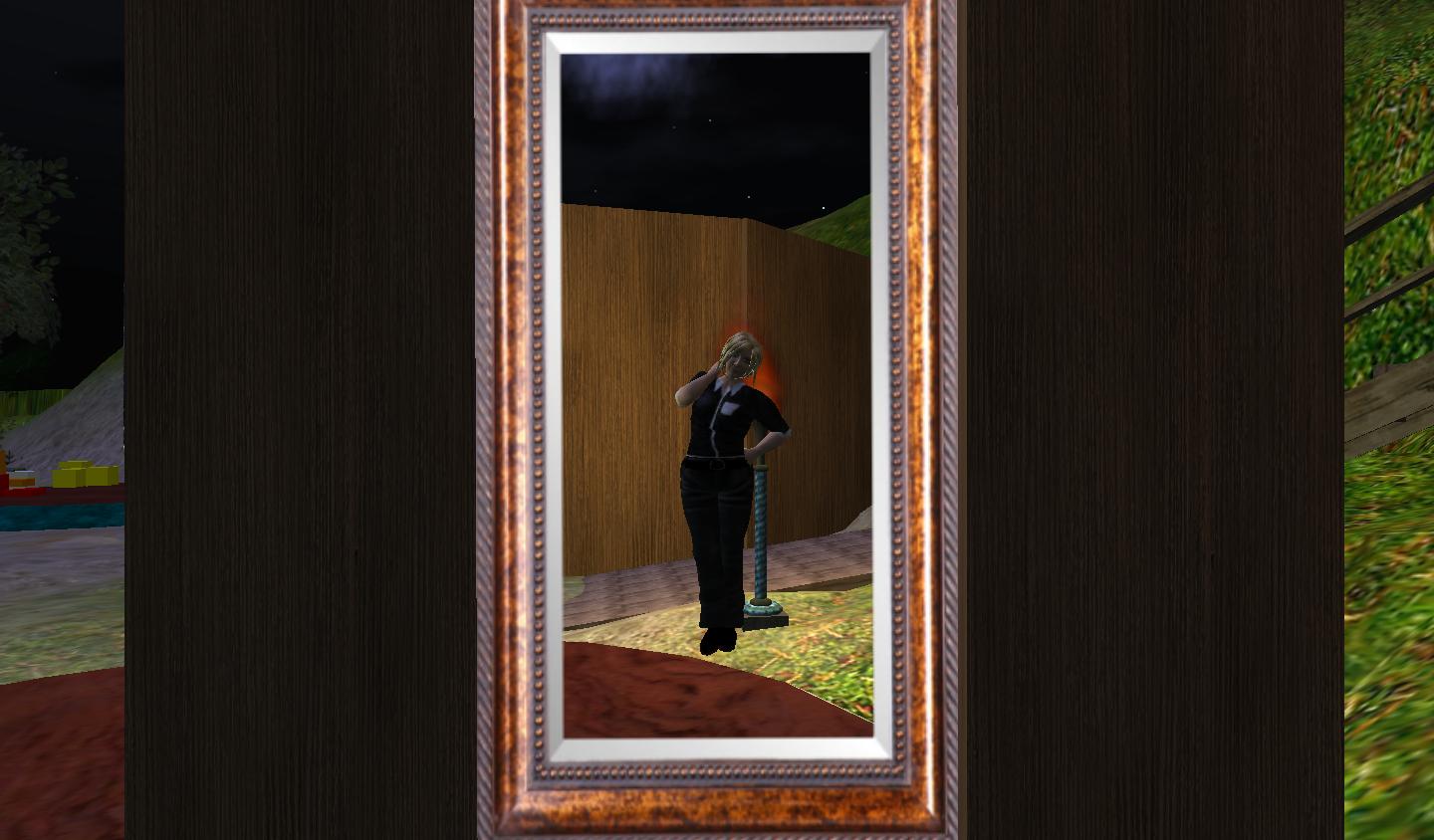
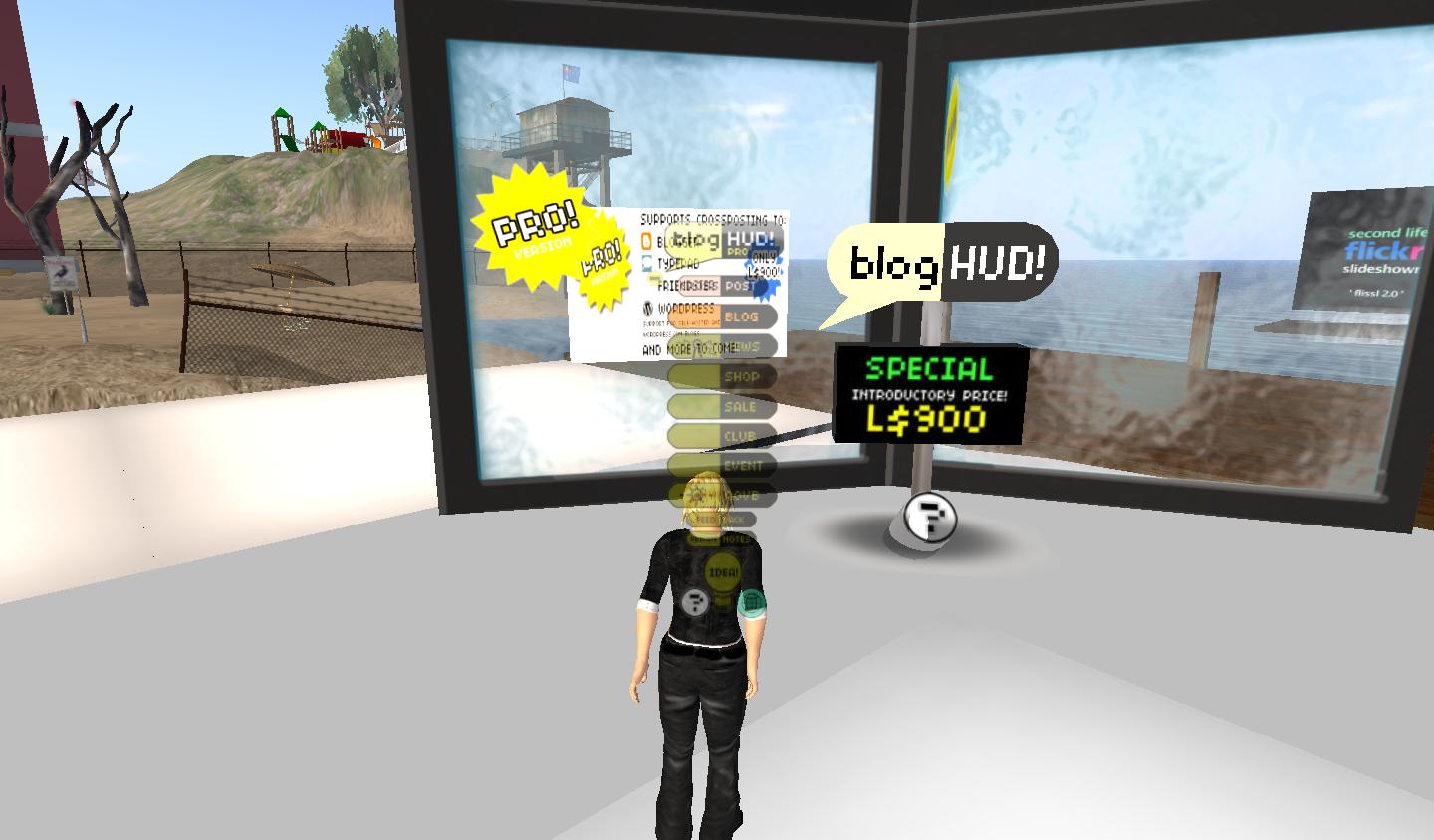
Mariis wearing the Hud – you can change the location of the Hud …

I’m amazed at how easy it is to use – you simply wear it, type /9 and then your text .. or longer text write a notecard. Simple, huh ?

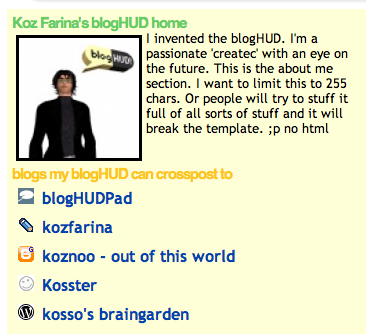
Thanks to Koz Farina for creating this great tool/toy :-)

And thanks to Fleep for this great tip – you can read her easy-to-follow instructions here

/Mariis

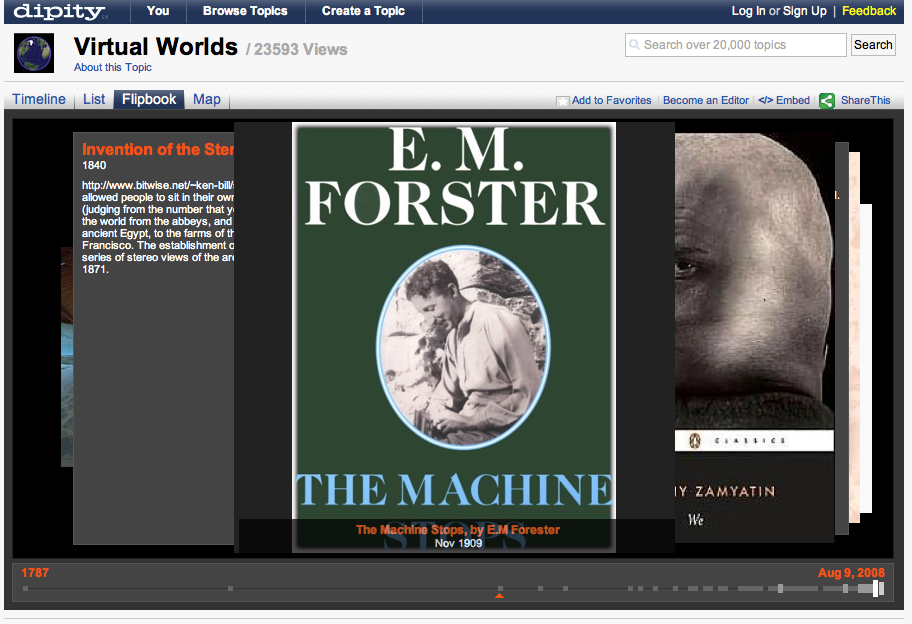
Evolution of Virtual Worlds visualized on Dipity

I’ve recently discovered a very neat and instructional visualization of the virtual worlds evolution created and edited in Dipity by a team of people.

In Dipity it’s possible to visualize in four different general ways:


Timeline


List


Flipbook


Map

And since May it’s also been possible to create a so called TimeTube – a Dipity MashUp wth You Tube. Pretty cool stuff!

I’m certain many students and teachers really will appreciate this kind of presentation tool :-)

/Mariis